How LinkedIn’s New Networking Tools Empower Small Businesses
LinkedIn’s newest networking tools help small businesses stay connected, build strong relationships, and open new doors for growth and revenue. Explore how to benefit from these features.

Articles are general information for businesses and individuals, not tax or legal advice.

LinkedIn has rolled out several new features aimed at making professional networking easier and more productive, particularly for small business owners. These innovations can help entrepreneurs connect with clients, nurture relationships, and find new opportunities—all from one powerful online platform.
LinkedIn’s evolving role for small businesses
LinkedIn isn’t just a place for posting resumes or searching for jobs: it’s become an essential tool for small business growth, allowing owners to build brand presence, connect with valuable contacts, and keep pace with industry trends. The platform’s newest features are designed specifically to address common challenges small businesses face in establishing and growing their professional networks.
The new Network feed: stay connected more easily
Among these changes is the introduction of the Network feed—a streamlined space where users can see posts and updates from all their connections and followed accounts in a single location. For business owners, this means:
- Quicker access to important client and partner updates
- An easier way to monitor competitors and trends within your industry
- Streamlined discovery of prospective clients, collaborators, or suppliers
By centralizing relevant content, the Network feed helps small businesses stay informed and respond to opportunities in real time. This is especially useful for business owners who manage multiple contacts across different markets.
Enhanced digital business cards support in-person and online networking
LinkedIn now offers digital business cards, making it safer and simpler to share contact details after meetings or networking events. Unlike traditional paper business cards, these digital versions are integrated into your LinkedIn profile, ensuring your information always stays up to date and is less likely to be misplaced.
- Instantly share contact details via your phone, eliminating the need for physical cards
- Automatically connect with new contacts on LinkedIn, helping formalize and record professional relationships
- Easy management of received cards and follow-ups after live events
This tool is especially beneficial for business owners who attend conferences, trade shows, or community events and want to make sure key connections are recorded and integrated into their digital network.

Remembering important details with private profile notes
Making connections is just the first step—remembering key information about those connections is just as vital. Private profile notes, another recent addition, let users jot down context-specific reminders visible only to themselves. For example, you might record when and where you met someone or the topics you discussed, making follow-ups more personal and effective.
- Recall critical details after meeting many new people at large events
- Customize outreach and communications with context
- Track the history of interactions for better relationship management
This is a simple solution to a common problem for busy entrepreneurs who rely on lasting professional impressions.
Monetizing expertise with creator tools and advice sessions
LinkedIn is also investing in resources for content creators and consultants. The new creator dashboard lets business owners monitor their audience engagement and content performance. Additionally, specific eligible users can now run In-Stream Ads (such as pre-roll ads on videos they upload) and receive compensation if their content generates ad views.
Another feature, Advice Sessions, allows qualifying professionals to offer one-on-one consultations directly through LinkedIn, either free or for a fee. This is especially relevant for those offering expertise-based services, such as coaching, marketing, design, or business consulting.
| Feature | Main Benefit | Who Should Use It? |
|---|---|---|
| Creator Dashboard | Track audience and post performance | Active content creators, thought leaders |
| In-Stream Ads | Earn from video ads on your content | Eligible video creators, educators |
| Advice Sessions | Offer paid one-on-one sessions | Coaches, consultants, subject experts |
| Private Notes | Remember details about your contacts | Anyone networking actively |
| Digital Business Cards | Simplify sharing contact info | Event-goers, sales teams, founders |
These features help small business owners reach broader audiences, demonstrate their authority, and turn knowledge into billable opportunities.
Leveraging new tools: a step-by-step guide for small businesses
- Update your profile: Make sure your LinkedIn profile contains current branding, offerings, and contact info, as this will be presented on digital cards and seen by all new contacts.
- Enable and use the Network feed: Regularly check this feed to stay informed and identify new engagement opportunities.
- Set up your digital business card: Access and customize your card before attending your next networking event.
- Start using private notes: After meeting someone, add notes to their LinkedIn profile for future reference.
- Explore creator and advice tools: If you create original content or offer expert services, investigate whether you qualify for these features, and activate them in your profile settings.
- Stay authentic: Prioritize building real relationships, even as you adopt new digital features, to maintain trust and credibility.

Common mistakes when adopting new LinkedIn features
- Overlooking profile accuracy: Incomplete or outdated information can undermine new connections and opportunities.
- Not personalizing outreach: Using generic messages instead of referencing private notes or specific context can weaken relationships.
- Ignoring follow-ups: Failing to engage after initial contact often causes valuable connections to fade.
- Neglecting privacy settings: Not adjusting who can see your updates or contact info may reveal information you prefer to keep private.
- Trying to use every feature at once: It’s easy to get overwhelmed. Start with one tool, master it, and gradually add others.
Avoiding these pitfalls saves time and ensures your networking remains meaningful and results-oriented. For a broader view of managing your business’s back-office and communications, see our business accounting services.
Best practices as technology evolves
As LinkedIn integrates more AI and automation, it’s tempting to let technology do most of the heavy lifting. However, building trust and distinctiveness in the small business world still requires a balance of technology and personal touch. Here are some best practices:
- Maintain authentic, human communication in every interaction
- Regularly review and refresh your LinkedIn content
- Monitor new feature announcements so you’re not left behind
- Be open to learning: many platforms offer free tutorials and resources
- Leverage analytics to measure what’s working for your brand
If you’re in Nevada, remember that LinkedIn is especially valuable given the state’s wide range of small business sectors and lack of state personal income tax, which makes fostering professional connections crucial for growth and diversification.
Preparing for Professional Networking: What to Gather Before Meeting an Advisor or Using New LinkedIn Tools
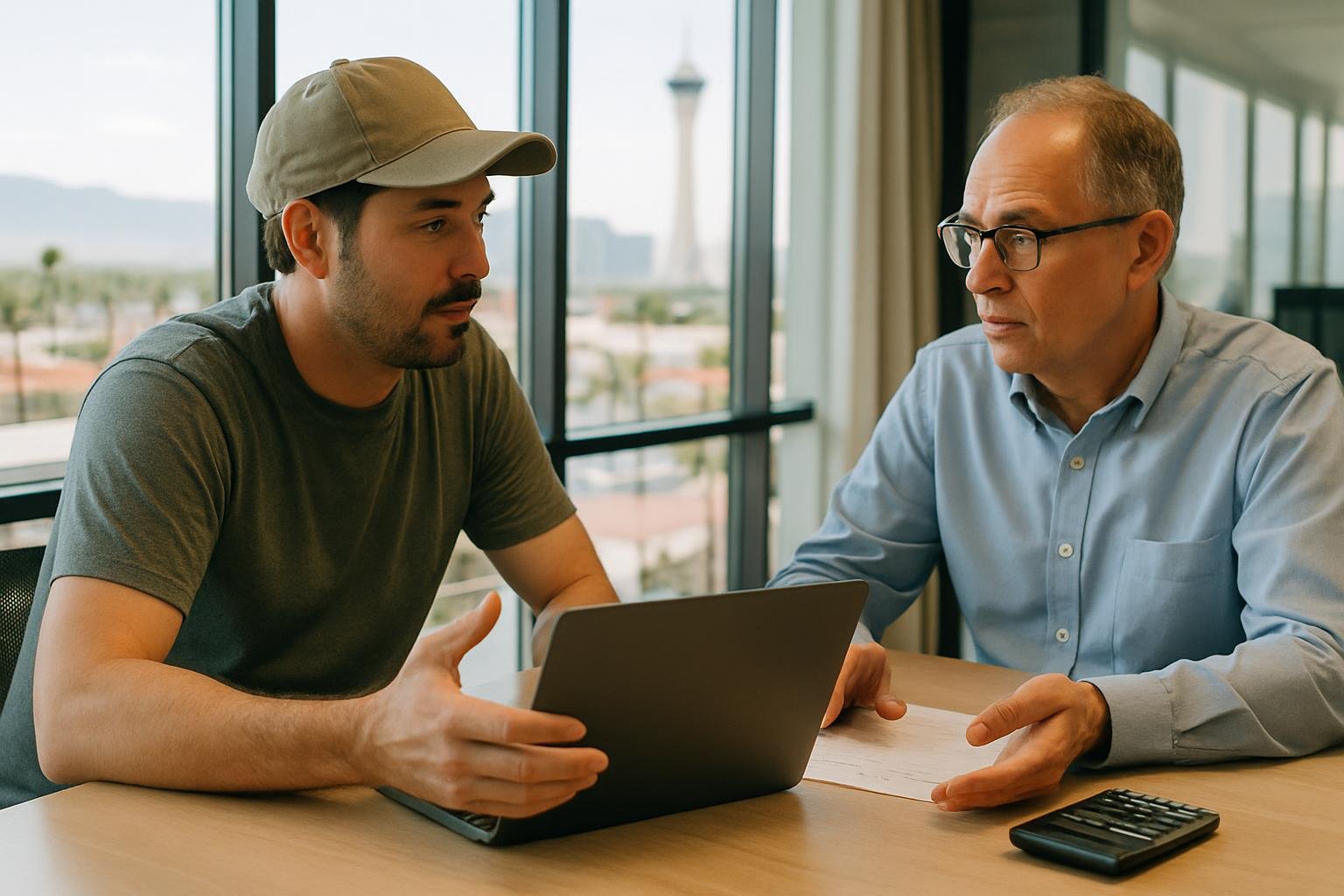
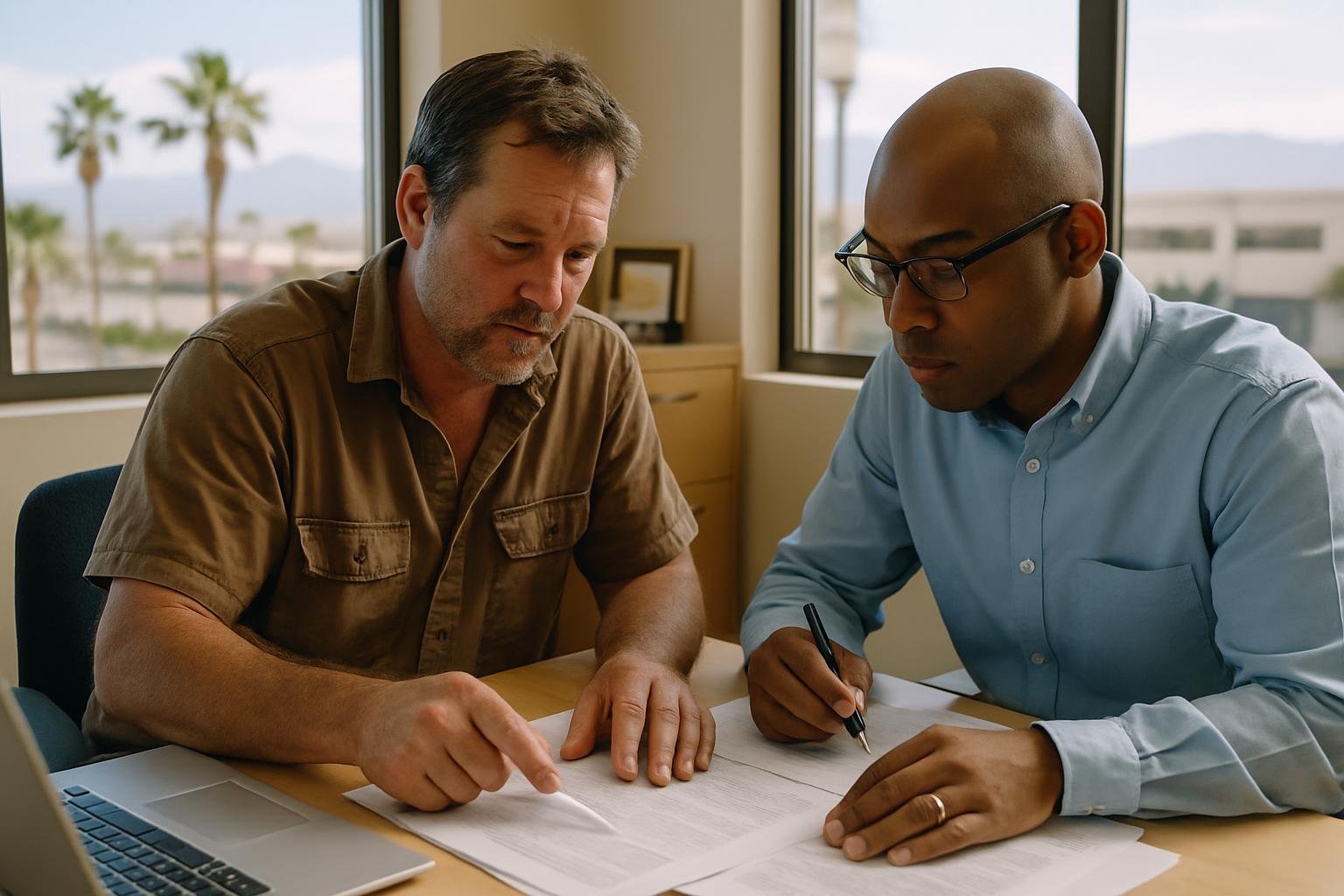
Before leveraging LinkedIn’s advanced networking features or meeting with a business advisor (such as an accountant, marketing consultant, or business coach), preparation is key. Gathering the right information and documents will maximize the value you get from digital networking and professional consultations alike. Here’s a checklist to ensure you’re ready to make the most of these opportunities:
- Your updated LinkedIn profile: Confirm your summary, contact information, and experience sections reflect your latest achievements and business offerings.
- Professional headshot: A recent, high-quality photo increases credibility and brand consistency across business cards and online profiles.
- List of goals: Be clear about what you want from networking—are you seeking new clients, partnerships, or advice? List top priorities.
- Current marketing materials: Digital versions of brochures, service menus, or portfolio items can be referenced or shared via LinkedIn messages or links.
- Schedule of upcoming events: If you plan to attend conferences or in-person gatherings, note dates so you can prepare digital business cards and pre-connect with attendees online.
- Questions for the advisor: Outline specific questions about how to integrate LinkedIn into your growth strategy or how to sync networking contacts with business records.
- Existing CRM or contact lists: If you already track clients or leads elsewhere, bring an export or summary so you can discuss importing or syncing this data with LinkedIn tools or other apps.
- Compliance preferences: Consider how public you want certain business information to be (such as email, phone, or address), and set privacy preferences before sharing details widely.
Having these resources at hand saves time during professional consultations and ensures you’re poised to build meaningful LinkedIn connections. If you’re unsure how to prepare, reach out to your advisor, or explore LinkedIn’s help section for guidance on optimizing your personal and business profiles.
Hypothetical Example: Using LinkedIn Features to Expand a Small Consulting Business
To illustrate how LinkedIn’s new networking tools can empower small businesses, consider a hypothetical scenario for "Growth Consulting LV," a fictional Las Vegas-based consulting agency specializing in process improvement for restaurants.
Initial Situation (Hypothetical Numbers):
- Current monthly revenue: $6,000 from four recurring clients
- Number of LinkedIn connections: 90
- Aspiration: Add two new clients (projecting $3,000/month increase) by year-end
Applying New LinkedIn Tools:
- Network Feed: Owner logs in daily, commenting on posts from local restaurant owners and suppliers. Proactively contacts three new prospects per week uncovered via the feed.
- Digital Business Cards: At two industry mixers, the owner shares their LinkedIn business card instead of paper cards. Ten new contacts are added instantly to their digital network.
- Private Notes: After each event, the owner records a quick note: “Met at Chamber Event, interested in process consulting Q3.”
- Creator Tools: Owner creates two video posts highlighting a recent client success and uses the creator dashboard to monitor which posts generate interest, adjusting content based on analytics.
Result (Hypothetical):
- At the end of three months, they’ve expanded to 120 LinkedIn connections (+33%).
- Of the ten new contacts, three hold follow-up calls, and one signs a new contract worth $1,500/month.
- The owner refines outreach based on private notes, improving follow-up and engagement rates.
Why This Matters: Even modest, strategic use of LinkedIn’s new features can result in measurable growth in leads and revenue for small businesses. The key is consistent engagement, proactive use of digital tools, and tracking results for ongoing improvement.
How NetFintax can help
NetFintax can help you not only organize your business’s financial records but also offer practical guidance on integrating digital tools, like LinkedIn, with your overall growth and marketing strategies. Our experience with small business operations and bookkeeping allows us to recommend networking tactics that align with your unique goals.
If you want to refine your business’s workflow or need help transitioning to new marketing and relationship-building strategies, book a free consultation. To see how expert business accounting can support your networking and growth, visit our business accounting page. This article is for general information only and is not tax, legal or accounting advice for your situation.
Have a question about your situation?
Free consultationFrequently asked questions
How can digital business cards on LinkedIn help after events?
Digital business cards let you share and store contact information quickly and securely without relying on paper cards. You can instantly connect after an event and ensure your contacts are up to date, lowering the risk of losing important information.
How do private profile notes work for small business owners?
Private profile notes let you keep context-specific reminders (visible only to you) about each connection. This helps you remember details from previous meetings or conversations, making future interactions more meaningful and personal.
What are LinkedIn Advice Sessions, and who can use them?
Advice Sessions let eligible LinkedIn users offer paid (or free) one-on-one consultations via their profile. This feature is ideal for service-based professionals such as consultants, coaches, or subject-matter experts who want to monetize their expertise.
Is there a learning curve to new LinkedIn networking features?
Yes, like any new tools, there can be a learning curve. Take time to explore each feature, start with one or two, and use LinkedIn’s help resources to get the most out of these updates without becoming overwhelmed.
Are all LinkedIn networking tools available to every user?
Some networking features are being rolled out gradually and may not be available to all users or in all markets immediately. Check your LinkedIn profile and support resources to see which tools you currently have access to.